 trad
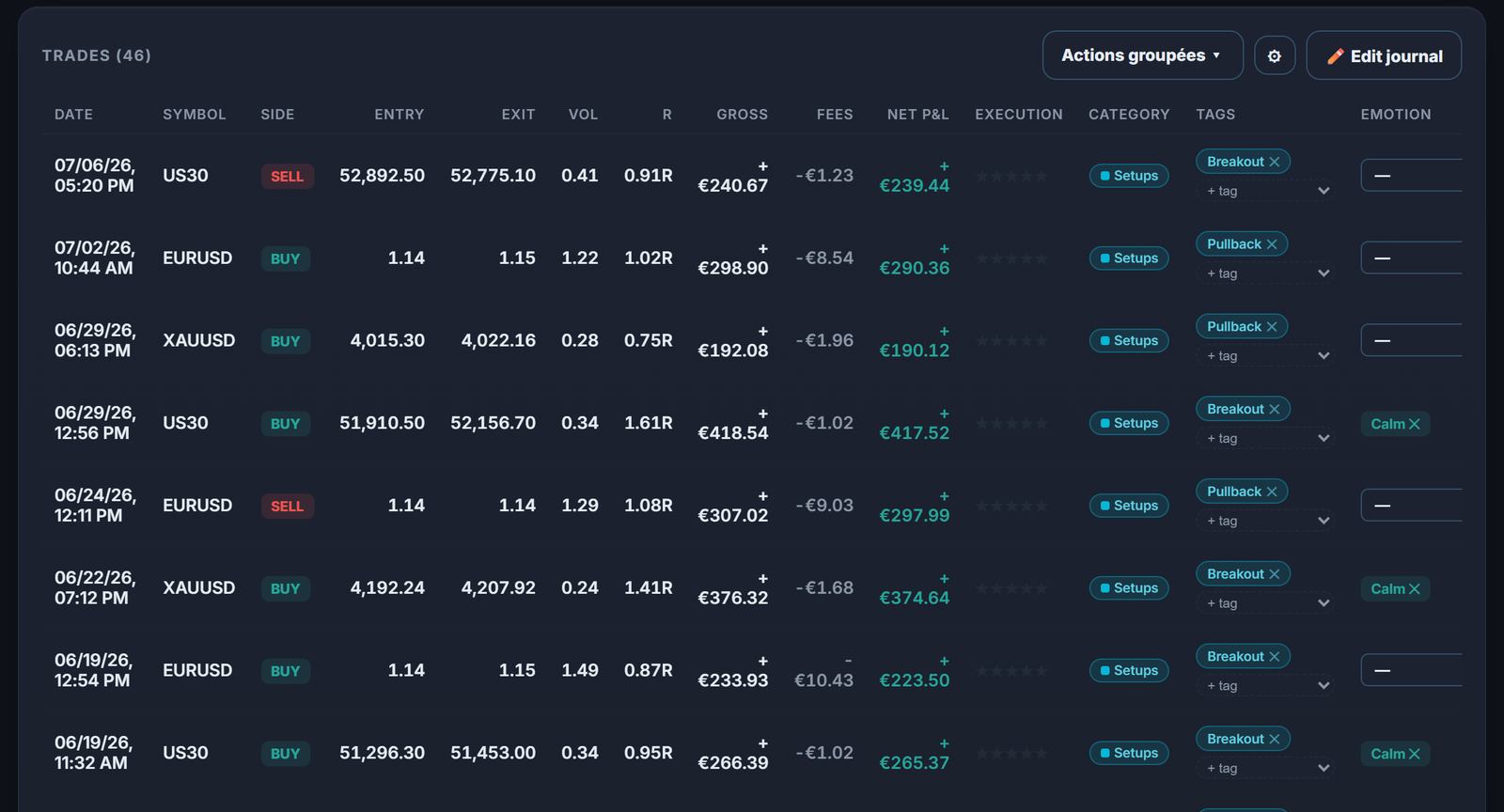
Journal: exports and bulk actions now cover all your filtered trades
In the Journal, whatever you do in bulk now applies to every trade in your filter. A CSV export, an export to the Excel template, a tag or an emotion applied in one go: it all covers the full selection, not just the most recent trades as before.
How to use it
Filter your trades as usual, then export or apply your tag or emotion. No need to split the job into several rounds: everything that matches the filter is included.
The table is shown in pages. Use the button to load more trades, or Show all when you want to scroll through the whole list at once.