tradoshi
Communauté francophoneComunidad hispanohablanteComunidade brasileira

Tradoshi announcements

Big Tradoshi news: new brokers, offers, launches.

Latest app updates

All app updates →
Mobile Money now on Tradoshi. Pay in local currency from your phone.

Tradoshi now accepts Mobile Money in more than ten African countries

You can now pay for Tradoshi with Mobile Money, straight from your phone and in your local currency. No bank card needed to access your trading journal.

Accepted services

MTN MoMo, Orange Money, Moov Money, Airtel Money and M-Pesa are available in more than ten African countries, including Benin, Cameroon and Kenya.

When you pay, pick Mobile Money, select your service and confirm the payment on your phone, just like you do every day.

Learn more: tradoshi.com/en/news/tradoshi-mobile-money-twelve-african-co…
Open the topic and reply →
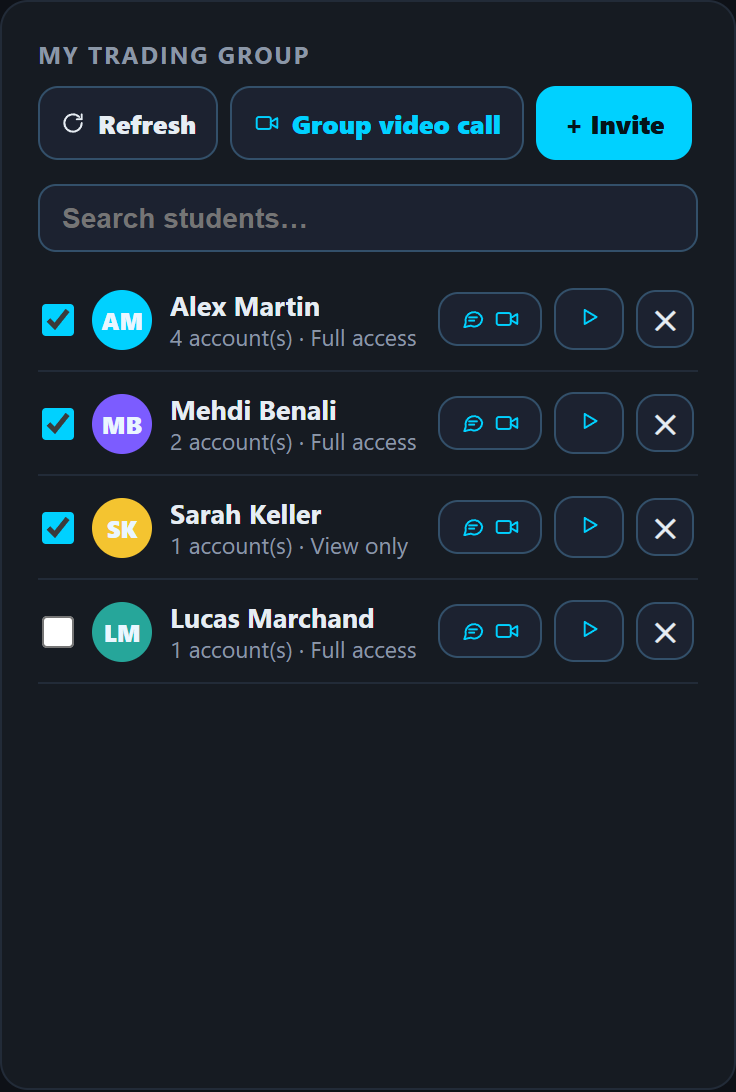
The mentor space in Tradoshi, with the group video call button above the student list.

Build your trading school's website with Tradoshi

Do you run a trading school? You can now create its website right inside Tradoshi, at an address with your school's name.

How it works
You pick a template, choose the colors you like and watch a live preview as you make changes. No code, no extra tool.

Pricing
The first 3 months are free, then it's $39 a year. If you prefer, you can pay $39 upfront with Mobile Money.

Open the topic and reply →
The Tradoshi mentor space with the group video call button above the student list.

Trading schools can now build their website on Tradoshi

Do you run a trading school? You can now build its website right on Tradoshi.

How it works
You pick from several templates and several colors, and a live preview updates as you write your texts. You see your site take shape before you publish it.

Pricing
You get 3 months free, then it costs $39 per year, with an address named after your school on Tradoshi. If you prefer, you can pay the $39 upfront with Mobile Money, no card needed.

Learn more: tradoshi.com/en/business

Open the topic and reply →
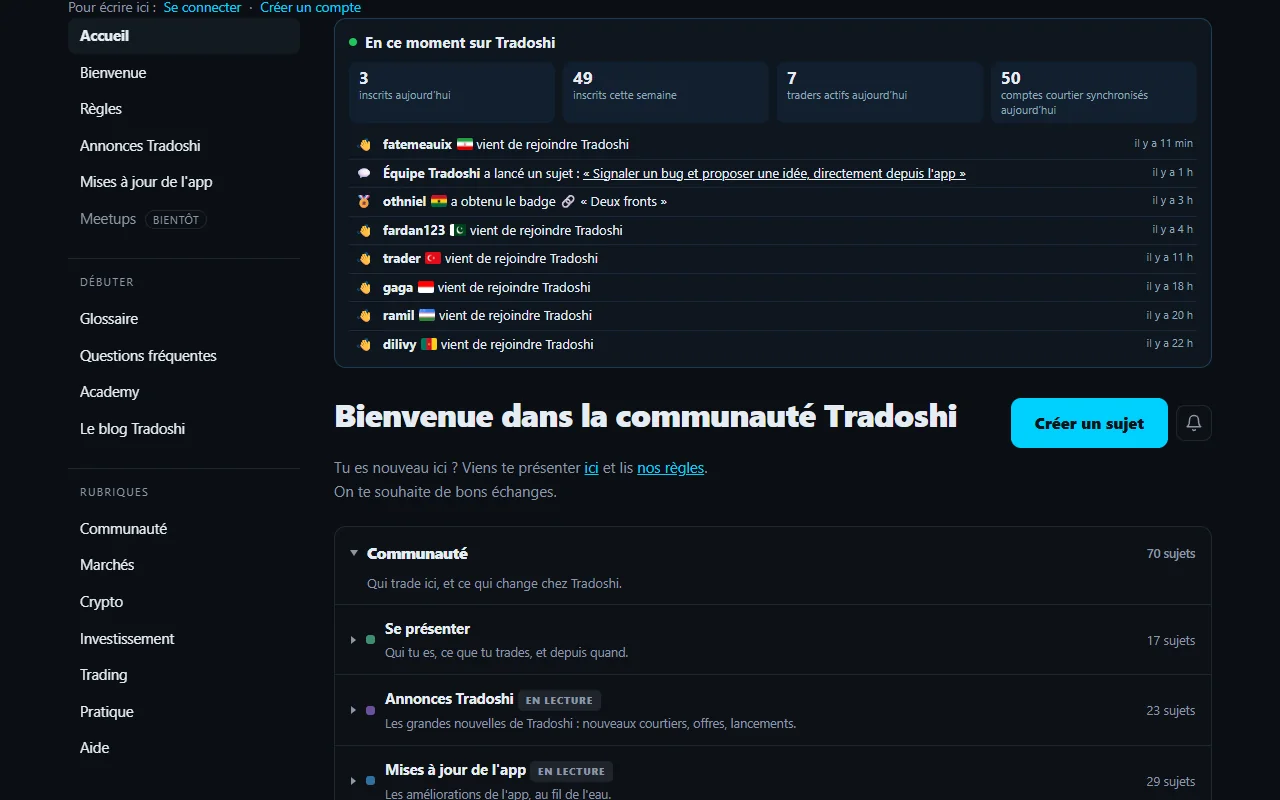
The forum's "Right now on Tradoshi" block: today's figures and the activity feed with new members, new topics and badges earned.

Every Tradoshi update on a single page, with dates

Want to know what's changed in Tradoshi without digging around? A single page now lists every update since the public launch, each one with the date it went live.

What you'll find
Features, broker connectors, plans and payments, the Android app and the forum: it's all in one place, in order, so you can see at a glance how the tool you use every day keeps evolving.

Follow along easily
If you'd rather have updates come to you, subscribe to the RSS feed in your usual reader. You'll hear about each change as soon as it's published.

Learn more: tradoshi.com/en/changelog

Open the topic and reply →
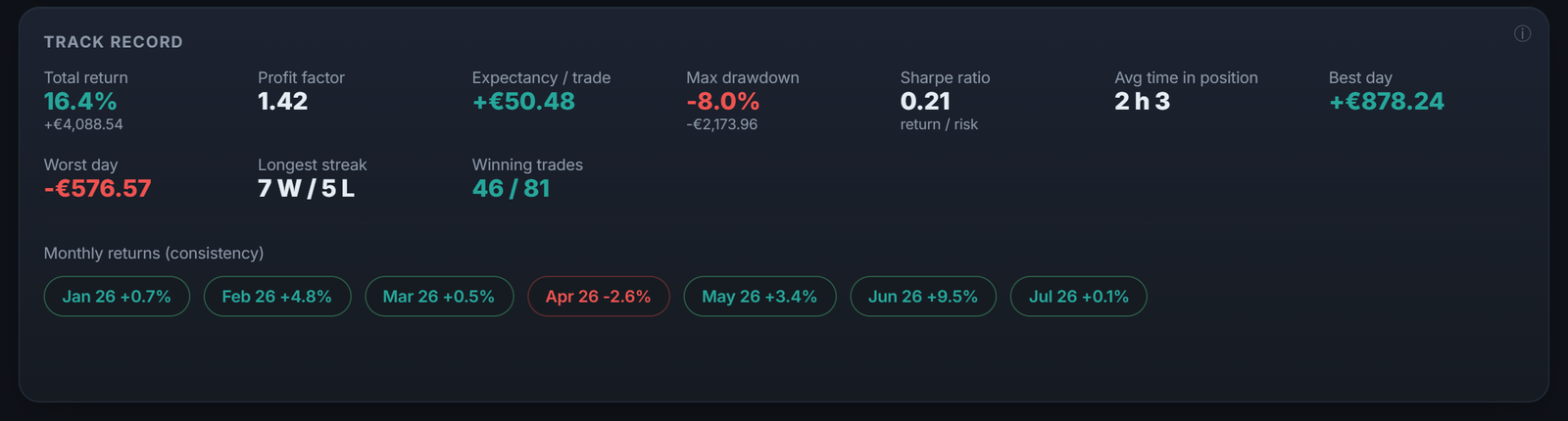
Your system's track record in Tradoshi: its results over time, not over one good week.

Automated backtesting arrives in the Premium plan

You can now test a strategy without writing any code. Describe it in a few sentences: Oshi turns it into rules, and the engine tests it on market history.

What you get
You receive the full report, Oshi's analysis and every trade, each one ready to open in the replay so you can see how it played out.

How it's paid
Translating your strategy and the analysis are paid with AI credits. The price is shown before each click, so you always know what you're spending.

Learn more: app.tradoshi.com

Open the topic and reply →
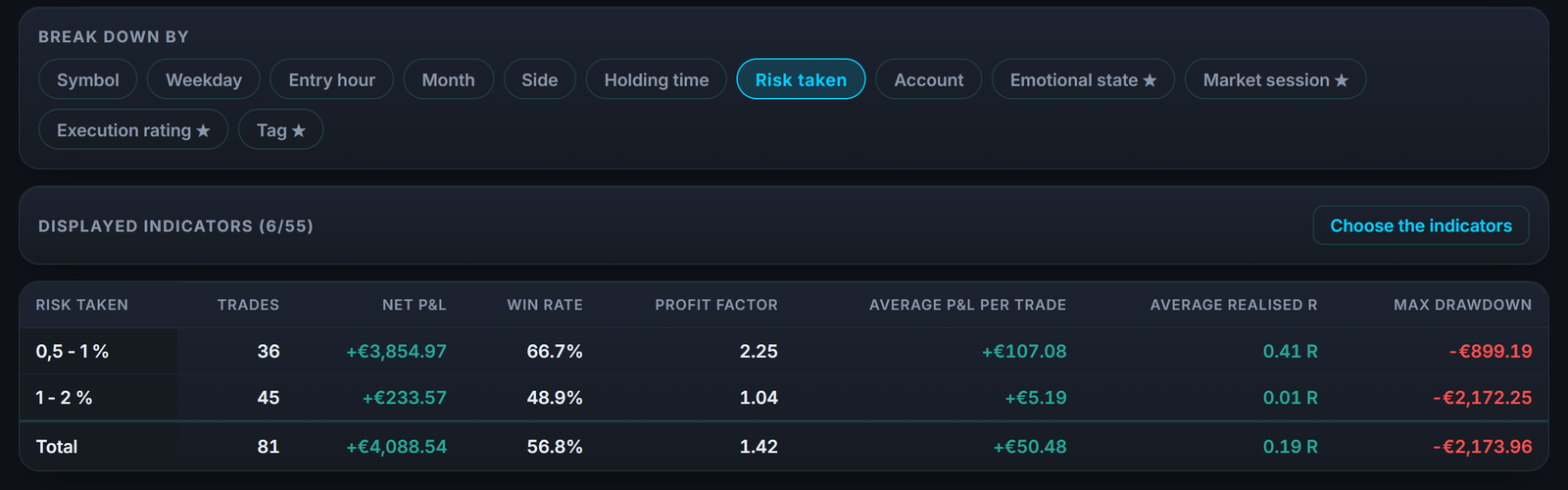
A Tradoshi report bringing the key metrics together in one table, broken down by risk taken.

Our 2027 rankings now have a free public API and an MCP server

Our 2027 rankings are now open to developers and AI assistants. You can query them through a free public API or connect to them through an MCP server.

What you get
The data covers trading schools and prop firms, with every criterion listed alongside its source and its date. You also get the trading journal market figures. Everything is there so you can check where each number comes from.

How to use it
Access is read-only and needs no key: you can start querying right away. The data is published under the CC BY 4.0 license, so you can reuse it in your own projects as long as you credit the source. If you work with an AI assistant, plug it into the MCP server and ask it about the rankings directly.

Building something with this data? Share it with us here, we'd love to see it.

Learn more: tradoshi.com/api/v1/openapi.json

Open the topic and reply →
Each trade in Tradoshi with its plan adherence, your emotion at entry and your tags.

Your TradeZella history now imports into Tradoshi

Keeping your journal in TradeZella? You can now bring your whole history into Tradoshi without starting over.

How it works
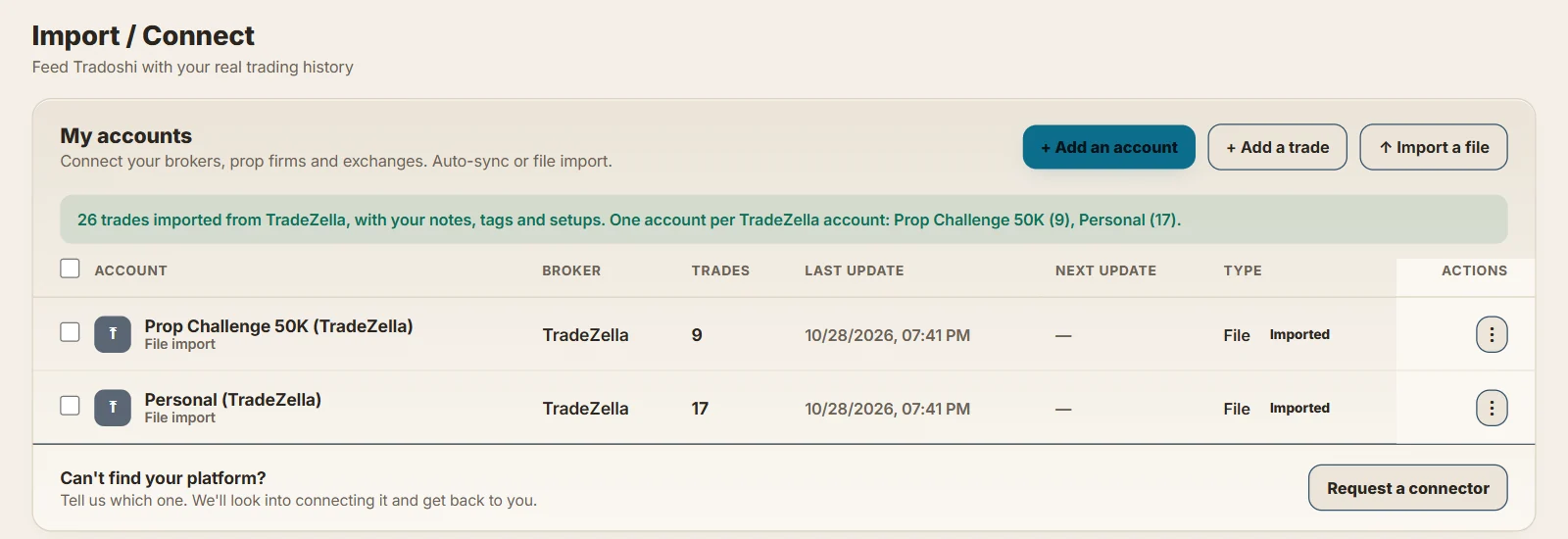
Export your trades from TradeZella with all columns, then drop the file into Import. Each TradeZella account becomes a Tradoshi account.

[image:00000000-0000-0000-0000-000000000000/import-tradezella-en.webp]

Your tags and setups come along with your trades, so you keep reviewing your work with the organization you already built.

Learn more: tradoshi.com/en/help/import-tradezella-history

Open the topic and reply →
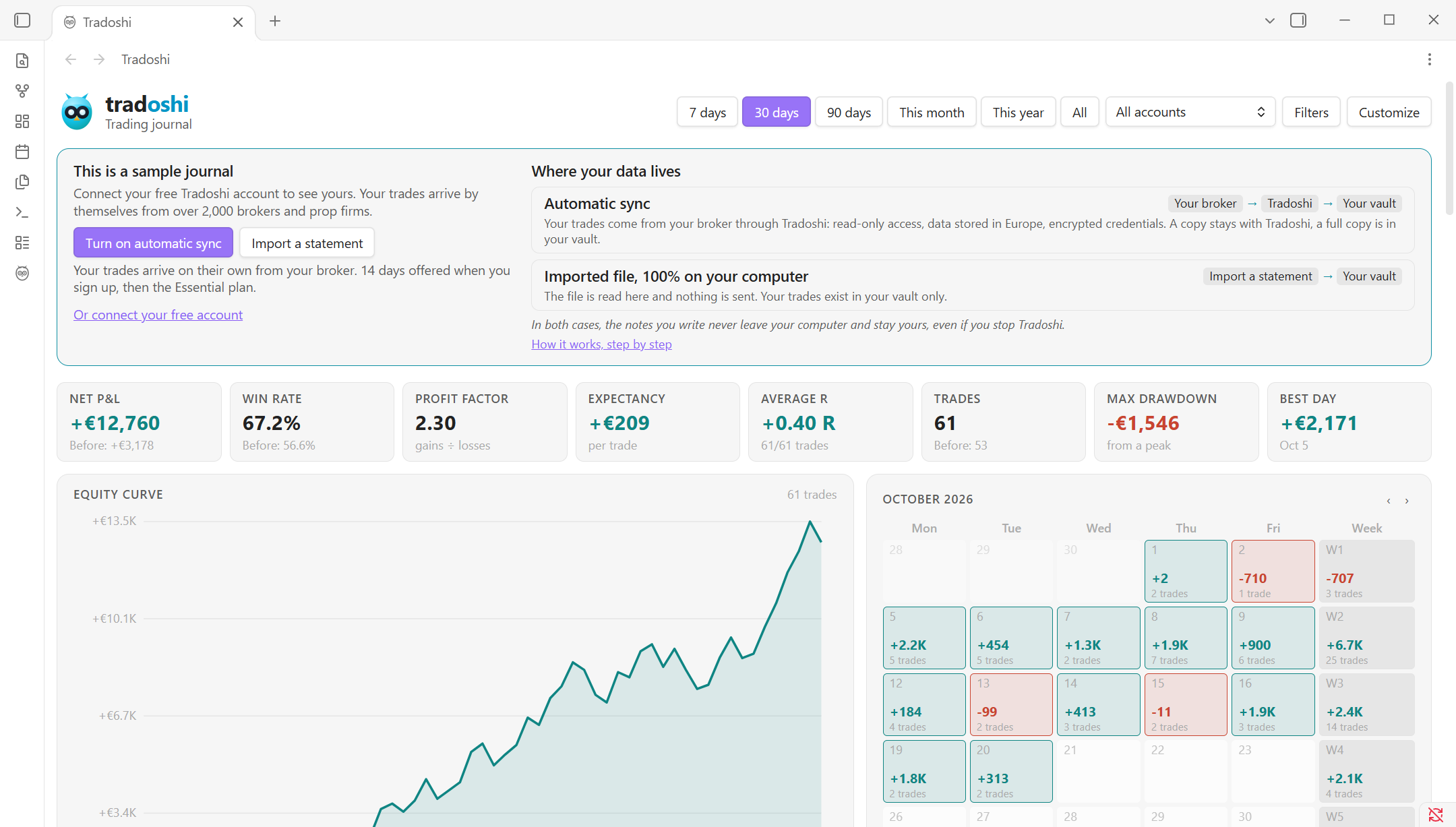
The Tradoshi dashboard in Obsidian: net result, win rate, equity curve and the month's calendar.

Your Tradoshi journal comes to Obsidian

The Tradoshi plugin is now published in the official Obsidian directory. If you already take your notes in Obsidian, your trading journal can now live in the same place.

What you get in your vault
Your journal is written as Markdown notes: dashboard, calendar, trade sheets, reviews and tracking for your prop firm challenges. Your notes stay on your computer.

How to get started
Install the plugin from the Obsidian directory, then import a statement: no account needed to start. If you'd rather have your trades come in on their own, turn on automatic sync from your broker with the Essentiel plan.

Learn more: tradoshi.com/en/obsidian

Open the topic and reply →
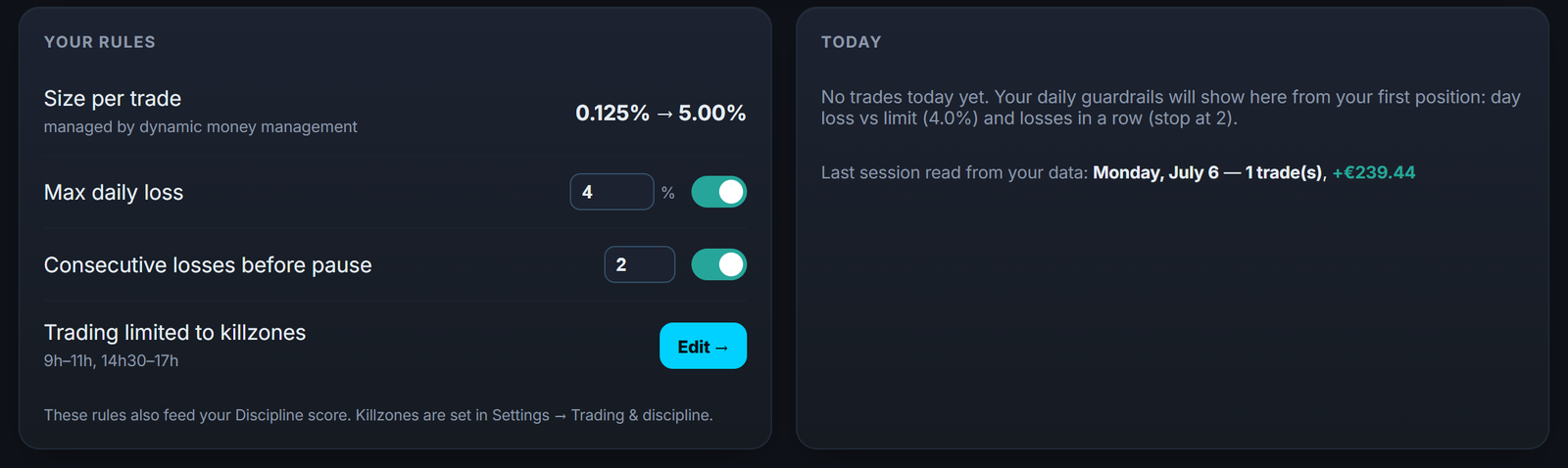
Your risk rules and daily guardrails: max loss, losses in a row and size per trade, tracked in real time.

Green light: check your trade before you click

A new screen lands in During: you enter your trade (instrument, direction, entry, stop, target) and tick your setup checklist. Tradoshi answers right away with a green, orange or red light.

Based on your own rules
The answer draws on the rules you set in Risk management (mandatory stop, minimum reward/risk, daily loss, losses in a row, time windows), on high-impact announcements in the next 30 minutes and on your setup score. You also get the size suggested by your dynamic risk module.

The call is yours: "I'll take it" or "I'll pass", and your choice is saved in your daily checks.

Included in the Essentiel plan and above, and during the 14-day trial.

Open the topic and reply →

One price, whatever your payment method

Your plan's price now follows your country, no longer the language of the app. You pay in euros if you're in Europe or in the African countries where Mobile Money is coming, and in dollars everywhere else.

The same price for everything

Card, crypto and AI credit top-ups all start from that same price. Whichever method you pick, the base is identical.

And the checkout page no longer converts your price into another currency, so no more exchange fees when you pay for your subscription.

Open the topic and reply →
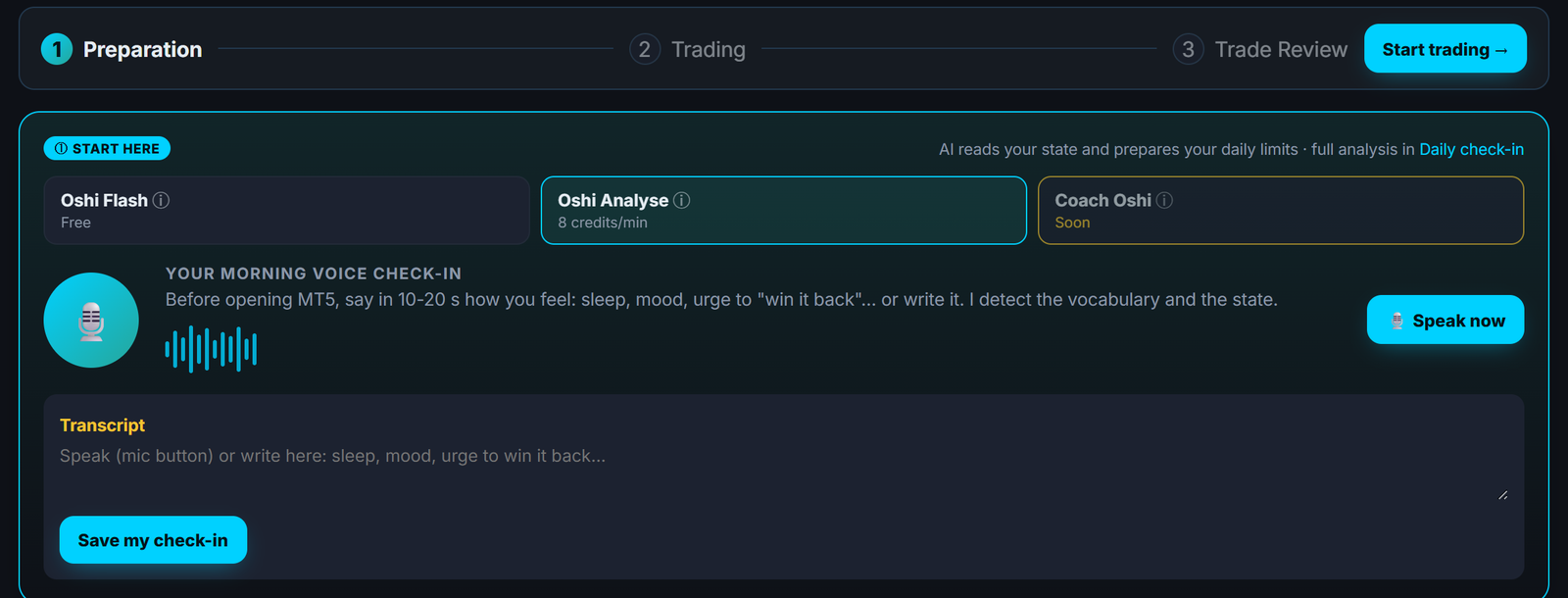
Your day in three steps in Tradoshi: preparation, trading and trade review, starting with the morning check-in.

US Congress members' trades arrive in Tradoshi

In "Start my day", a new block shows you the trades disclosed by members of the US House of Representatives on the stocks you trade yourself.

The block only appears when there are trades that concern you. If you trade forex, for example, you won't see it.

Where the data comes from
The source is the official House register. Amounts are published in the ranges set by law, and trades are disclosed up to 45 days after they were made. This is information, not investment advice.

On the English forum, under Markets > Indices and stocks, each notable disclosure opens a discussion topic. Come and talk it through with other traders.

Learn more: app.tradoshi.com

Open the topic and reply →
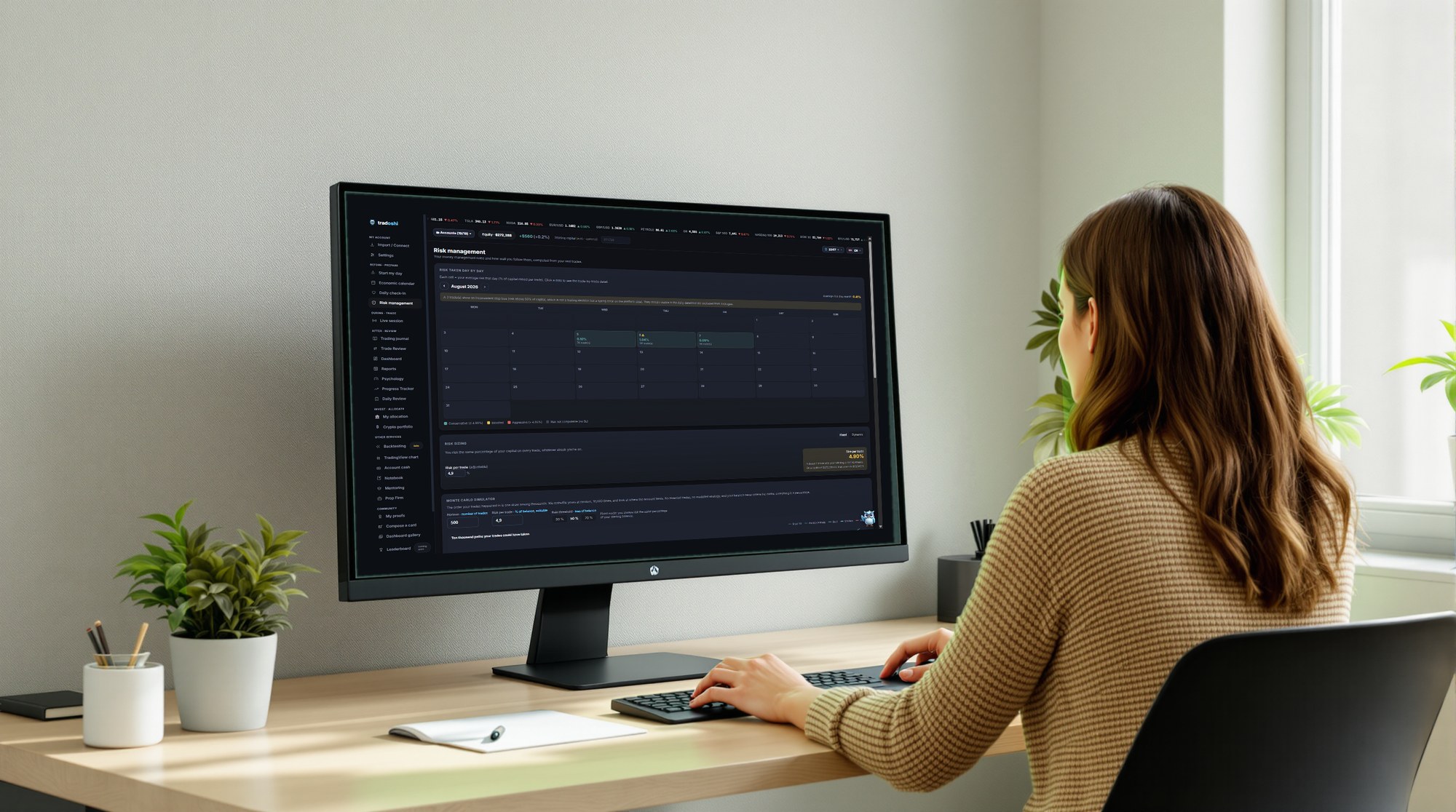
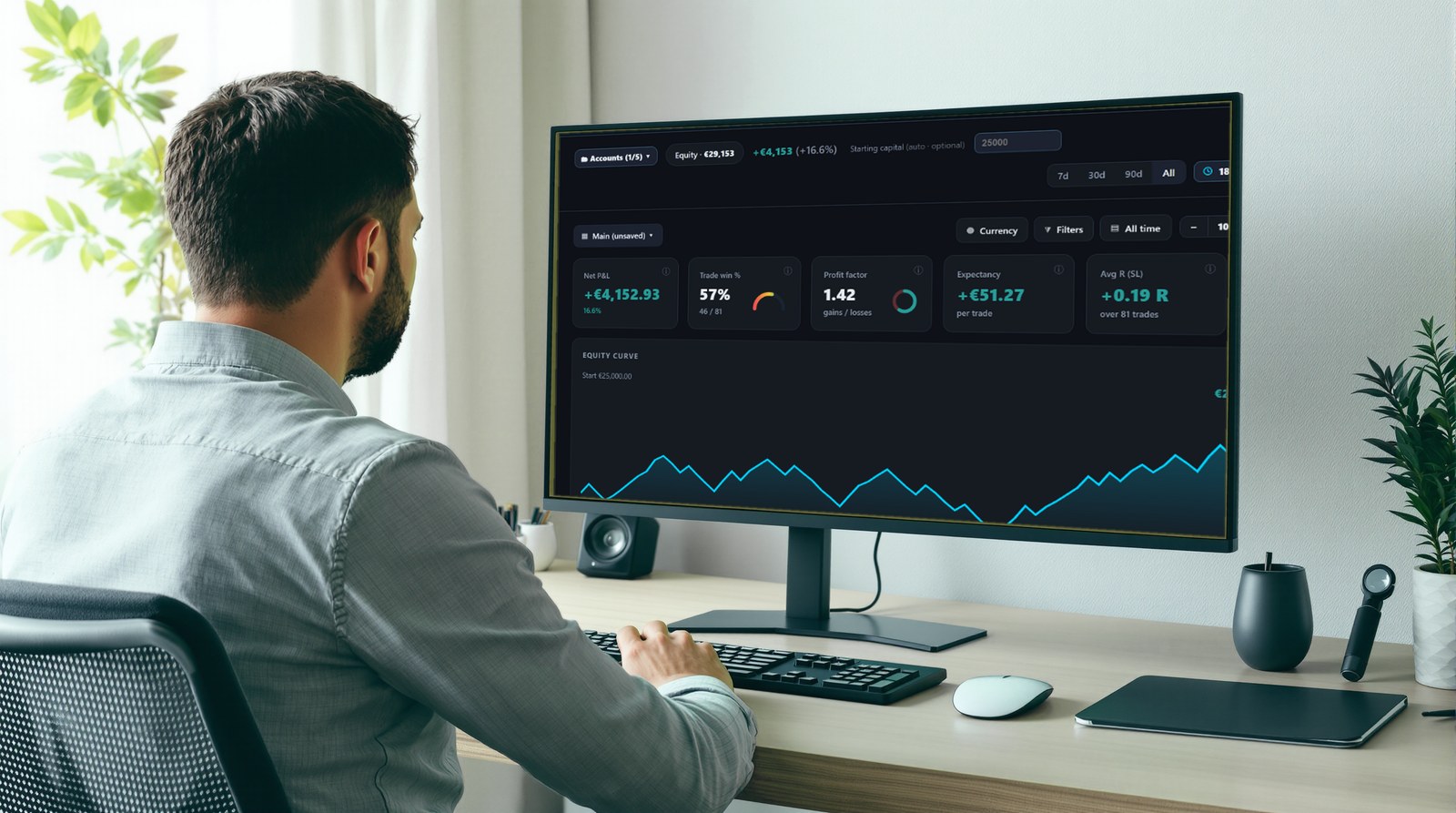
A trader in a bright office, with Tradoshi open on risk management.

You can now pay for Tradoshi in crypto

If you'd rather pay with crypto, you now can. Your annual subscription and your AI credit top-ups can be paid in USDT or USDC.

How to do it

Open the Subscription screen in the app and choose crypto payment. You can pay on BNB Chain or Polygon, depending on the network you use.

That way you keep your journal and your AI credits running with the payment method that suits you.

Learn more: app.tradoshi.com

Open the topic and reply →
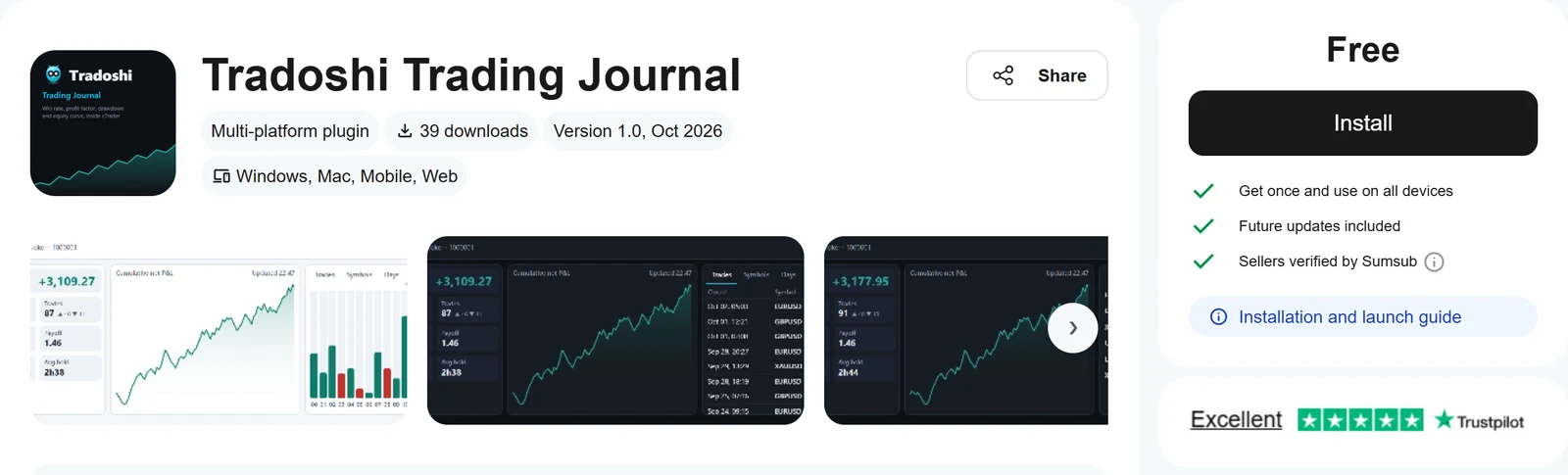
The Tradoshi Trading Journal listing in the cTrader Store: a free plugin, installed in one click.

Tradoshi is now available in the cTrader Store

Trading on cTrader? Your trading journal can now show up right where you place your orders. The Tradoshi plugin is available in the official cTrader store.

How to set it up

Open the cTrader Store, search for Tradoshi and install the plugin. Your trading journal then appears directly inside your platform.

That way you can check your journal without leaving cTrader, while you keep an eye on the market.

Learn more: ctrader.com/products/5701

Open the topic and reply →
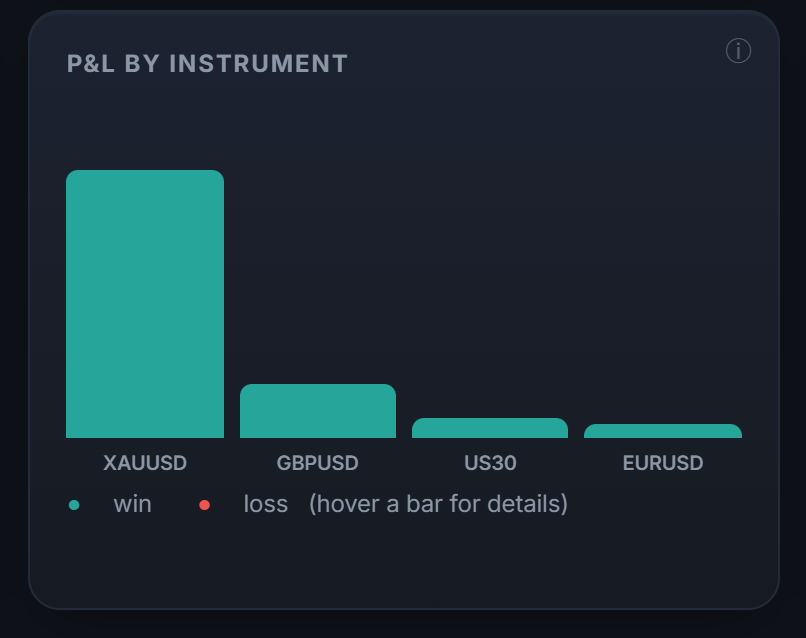
Your P&L by instrument in Tradoshi: all your markets gathered in one place.

Your B3 trades come into the journal: Profit report and notas de corretagem

If you trade on the B3, you can now bring your trades into your Tradoshi journal. Import the Profit Relatório de Performance, mini-índice and mini-dólar included, or your stock notas de corretagem as PDF files.

How to do it
Go to « Import a file » and pick your Profit report or your notas de corretagem. Your trades show up in the journal and in your stats.

WIN and WDO, all in one place
Every WIN and WDO expiry is grouped together in your stats: you see your mini-índice and mini-dólar results as a whole, without adding up contracts by hand.

Step-by-step guides in Portuguese walk you through the import.

Learn more: tradoshi.com/pt/ajuda/diario-de-trade-mini-indice-e-mini-dol…

Open the topic and reply →
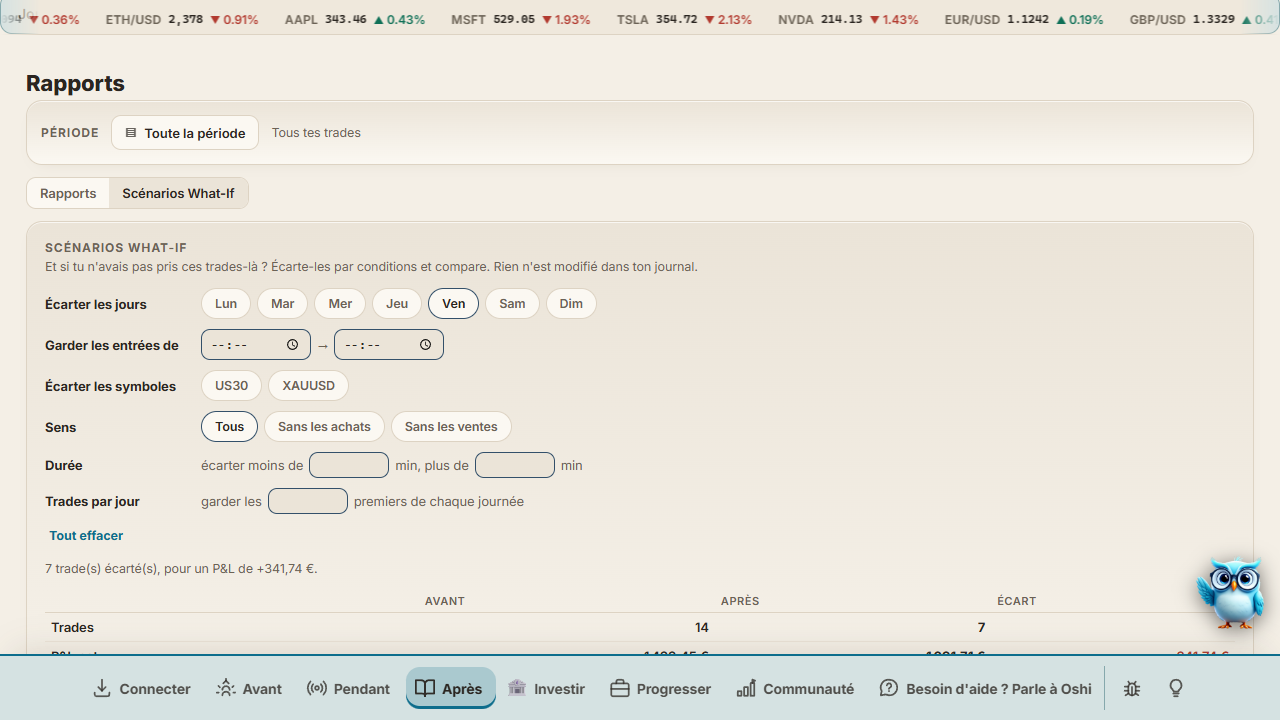
What-If scenarios in Reports, with Friday excluded from the sample data.

What-If scenarios: what if you hadn't taken those trades?

Wondering how your month would look without your Friday trades, or without the ones you take after a certain hour? You can now check it in Reports with What-If scenarios.

How it works
Exclude trades by condition: a day, a time range, a symbol, a direction, a tag, an emotion, a duration, or beyond a set number of trades per day. Then compare before and after: P&L, win rate, profit factor, drawdown and equity curve.

On a prop firm account, it also tells you whether you would have passed your challenge with those rules.

Nothing changes in your journal: you test your ideas on your real data, with nothing to lose.

Learn more: tradoshi.com/en/trading-journal

Open the topic and reply →
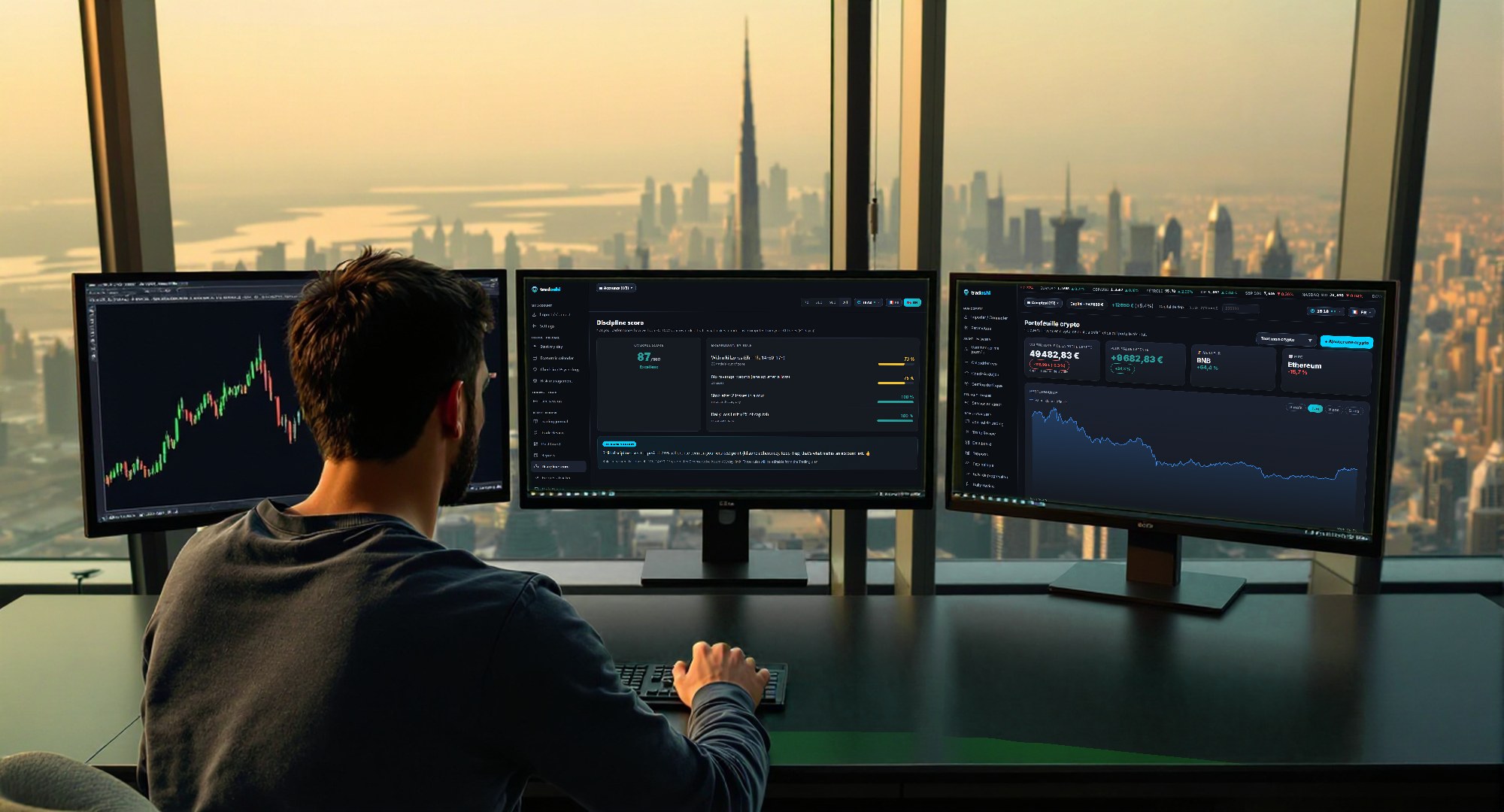
A trader in front of three screens facing a city at sunset, with a chart and performance tracking.

Tradoshi News is now live

Tradoshi is launching a trading news section, in English, French, Spanish and Portuguese. Regulator and central bank decisions, broker acquisitions, taxation: every fact is checked at the source and comes with what it changes for you as a trader.

Your edition, your way
You can read the international edition or your own country's edition, so you keep an eye on what really affects your trading.

The first articles are already up: Capital.com takes over FxPro's European clients, and the tax on stablecoin conversions passed by a single vote in the French National Assembly. Have a read and tell us which topics you want us to follow.

Learn more: tradoshi.com/en/news

Open the topic and reply →
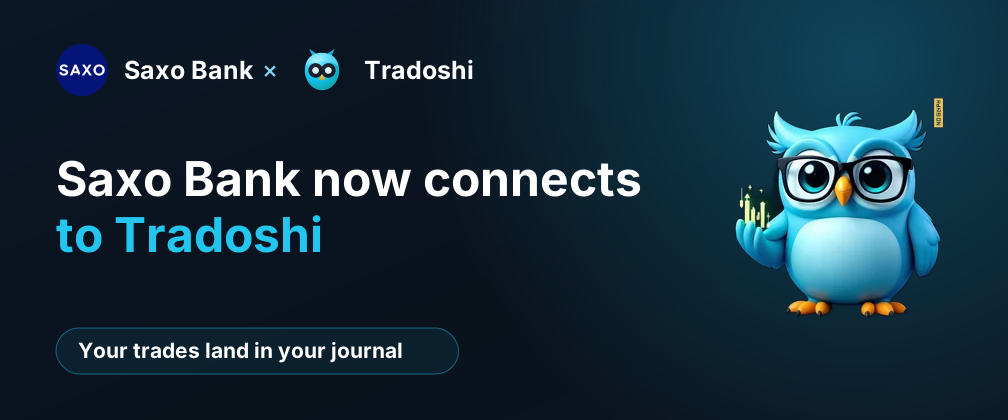
Saxo Bank now connects to Tradoshi. Your trades land in your journal.

Saxo Bank now connects to Tradoshi

Trading with Saxo Bank? You can now link your account to Tradoshi using your own Saxo application.

What changes for you
Your closed trades land in your journal on their own, with no manual entry. You get to spend your time reviewing your trades instead of copying them over.

And while you trade, the Live Session follows your account so your activity stays right in front of you.

Connect your Saxo application and let your journal fill itself in.

Learn more: tradoshi.com/en/brokers/saxo-bank

Open the topic and reply →
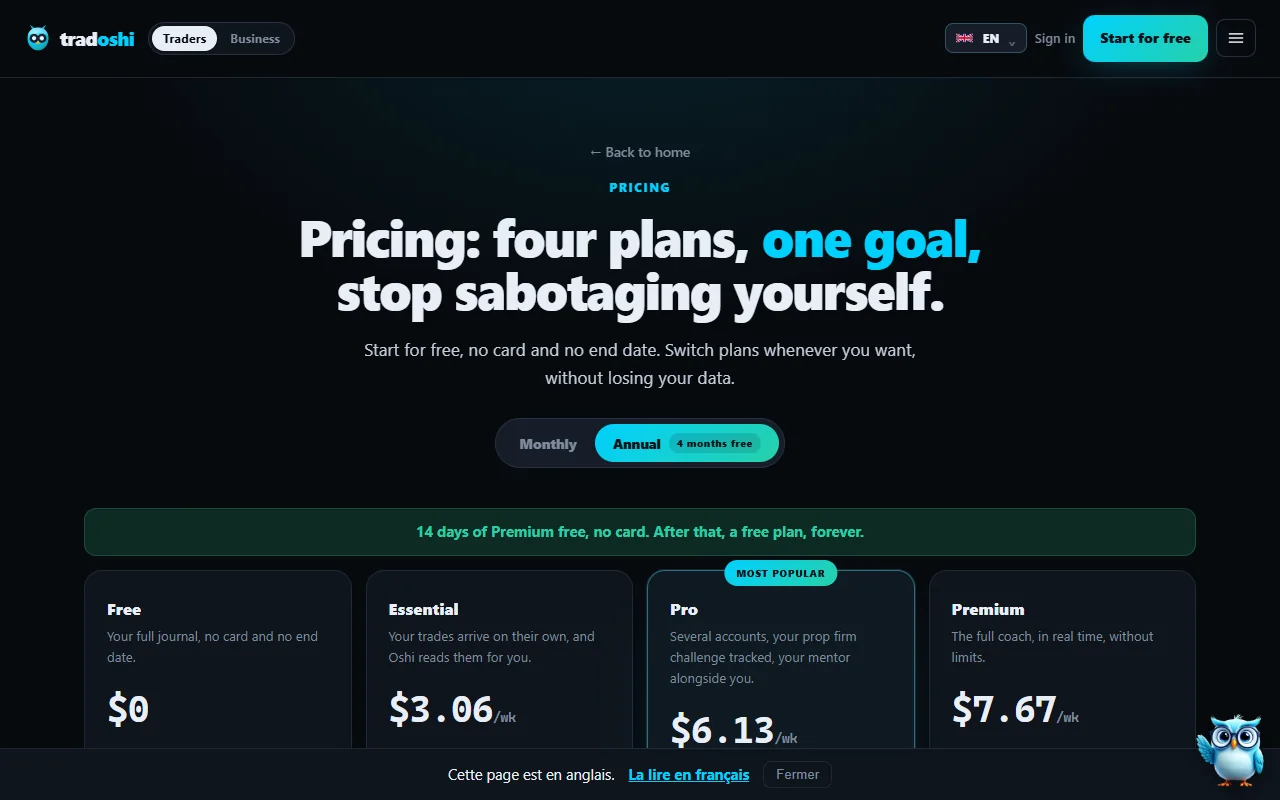
The Tradoshi pricing page with four plans, Free, Essential, Pro and Premium, and the Monthly / Annual toggle.

14 days of Premium for free, no card required

The new offer is live. Every account gets 14 days of Premium at its next login. Just sign in to Tradoshi to start using it.

What's included
For these 14 days, you get full Premium access: all your trading accounts synced, the Live Session, Trade Review, Backtesting and AI credits for Oshi.

No card, no surprises
We don't ask for any card, so nothing is charged at the end. Once the 14 days are over, you go back to your free plan. Make the most of it and try everything on your own trades.

Learn more: app.tradoshi.com

Open the topic and reply →
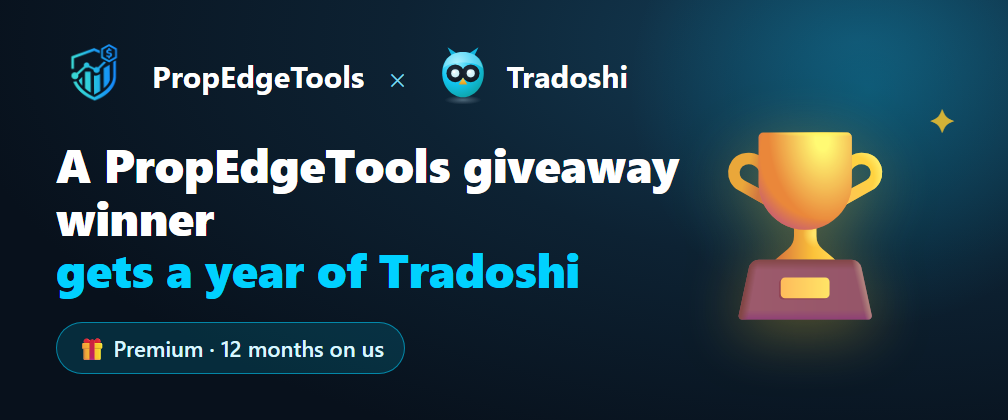
PropEdgeTools and Tradoshi banner: a PropEdgeTools contest winner gets a year of Tradoshi Premium.

A PropEdgeTools reader wins a year of Tradoshi Premium

PropEdgeTools, the site that lists tools for prop firm traders, ran a contest with Tradoshi. The prize: twelve months of Tradoshi Premium for one of its readers, who walks away with a full year.

Tradoshi on PropEdgeTools

Tradoshi is also featured on the PropEdgeTools page dedicated to trading journals. If you trade with a prop firm and you're comparing tools, you can find Tradoshi there alongside other journals.

Thanks to PropEdgeTools for the partnership, and congratulations to the winner!

Open the topic and reply →
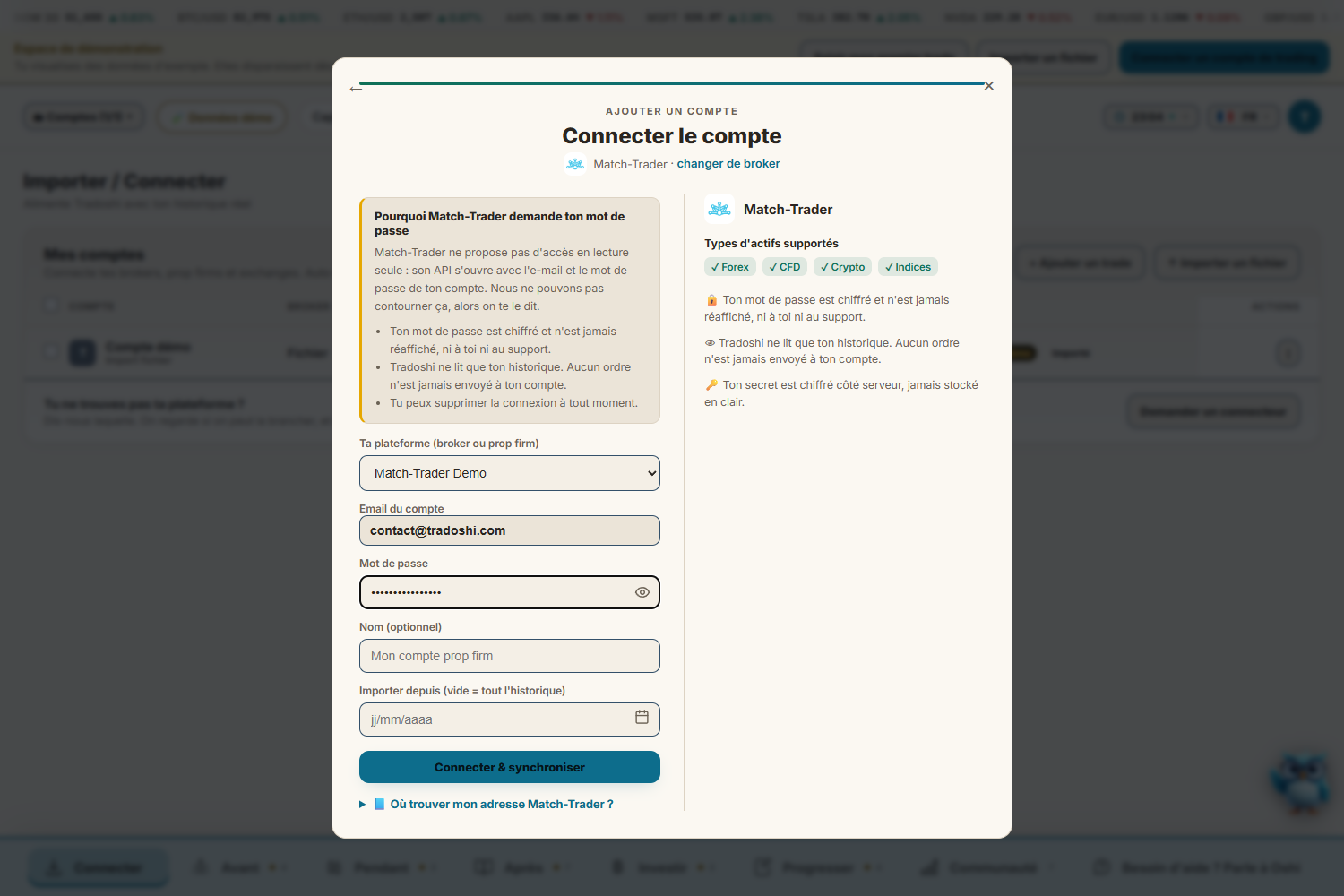
The Match-Trader connection screen in Tradoshi, showing the platform choice, the email, the password and the "Connect & sync" button.

Match-Trader now syncs with Tradoshi

You can now connect your Match-Trader account to Tradoshi in a few seconds. Your closed trades land in your journal with their net result, and then they update on their own.

How to connect it

Pick your prop firm or broker from the list (FundedNext, E8 Markets, FundingPips, Maven, Goat Funded Trader, Blue Guardian, FTUK and many others). Then enter your platform email and password, and click the button to connect and sync.

From there, your journal stays up to date without manual entry, so you can focus on reviewing your trades.

Learn more: app.tradoshi.com/#import

Open the topic and reply →
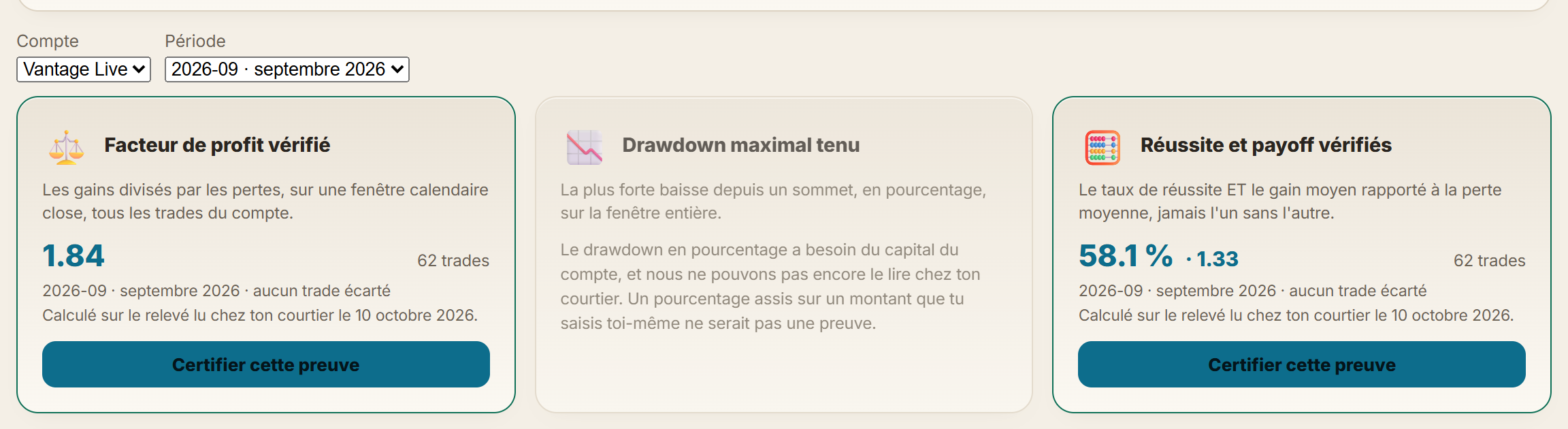
The app's Verified performance section showing profit factor, drawdown and win rate with payoff over a closed month, along with the "Certify this proof" button.

Certify your profit factor

Do you have a live MetaTrader account synced with Tradoshi? You can now certify your profit factor, or your win rate together with your payoff, over a month, a quarter or a year.

Proof calculated from your broker's data
The calculation runs on the history read directly from your broker, with every one of your trades included. No cherry-picking: what you show reflects all your activity over the period you choose.

Ready to share
Once it's certified, you get a public address and a card ready to post on the forum, Reddit, X or Discord. Open the Verified performance section, pick your period and your metric, then click "Certify this proof".

Learn more: app.tradoshi.com/#communaute

Open the topic and reply →
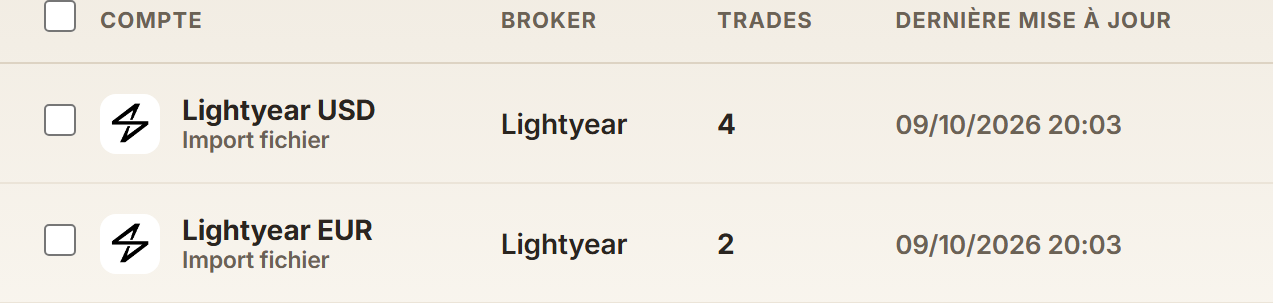
After importing a Lightyear statement: one account in dollars and one in euros, each with its own trades.

Lightyear: import your account statement into the journal

If you trade with Lightyear, you can now bring your trades into Tradoshi without typing them in by hand. Your stock and ETF trades arrive in the journal with their fees included.

How it works
Export your Lightyear account statement as a CSV file and drop it into Import / Connect. Tradoshi takes care of the rest.

Each currency gets its own account: for example, Lightyear USD and Lightyear EUR show up separately, with no conversion. That way you follow your results in the currency you actually traded in.

Learn more: tradoshi.com/en/brokers/lightyear

Open the topic and reply →

Refer people you know and lower your subscription

You can now refer the traders you know to Tradoshi. Every person who subscribes through your link brings your subscription price down, all the way to free.

With your first referral who subscribes, you get 20 % off. With the second, your discount goes up to 30 %. With the third, Premium is on us.

The people you refer save too: they pay 10 % less for their first year.

How to use it
Go to Settings and open the Referrals section. You'll find your link to share, the program rules and the list of your referrals.

Learn more: app.tradoshi.com/#params

Open the topic and reply →
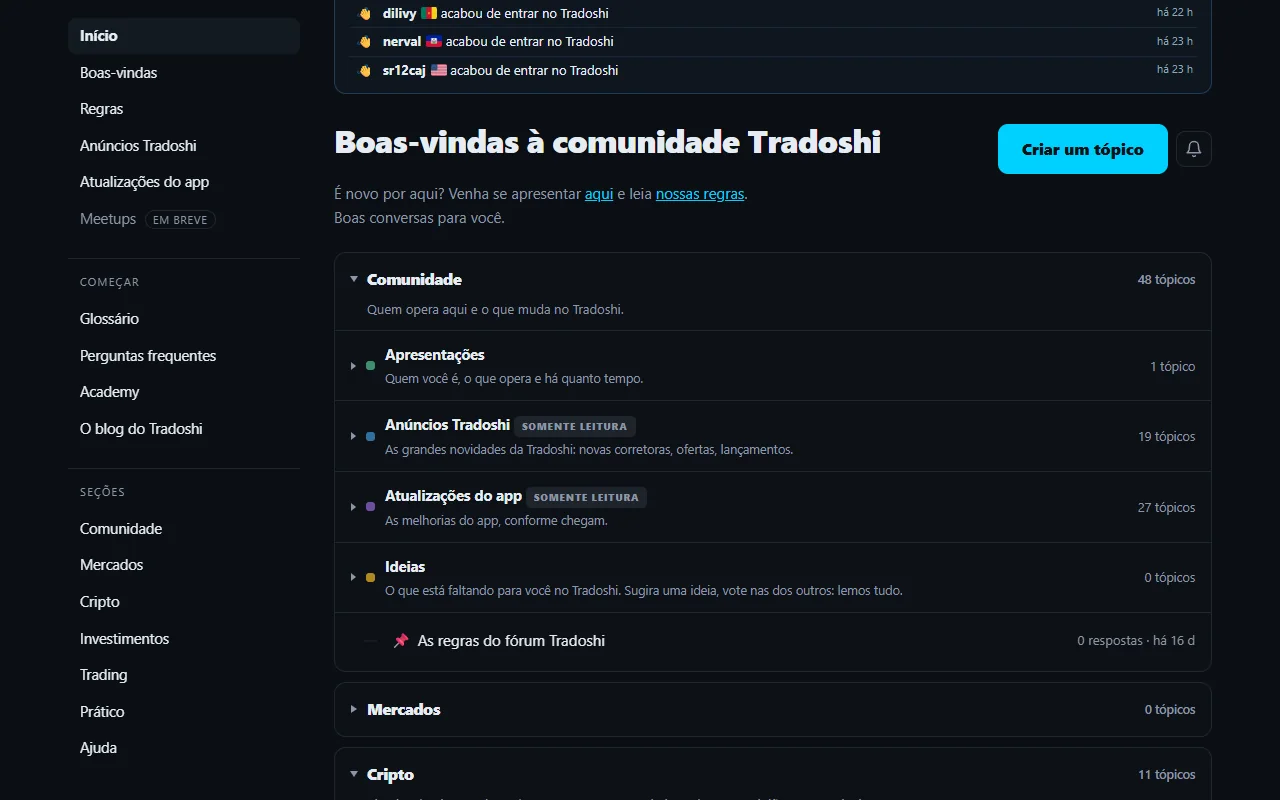
The Brazilian community forum home page, in Portuguese.

The forum now has a Brazilian community

The Tradoshi forum is growing: there is now a community in Brazilian Portuguese, with its own sections. Portuguese-speaking traders can chat, share their experience and ask their questions in their own language.

How to get there

Use the language selector available on every forum and pick Brazilian Portuguese. You'll land straight in the Brazilian community.

If you speak Portuguese, or know traders in Brazil, drop by and say hello. We'd love to see you there!

Learn more: tradoshi.com/en/forum

Open the topic and reply →
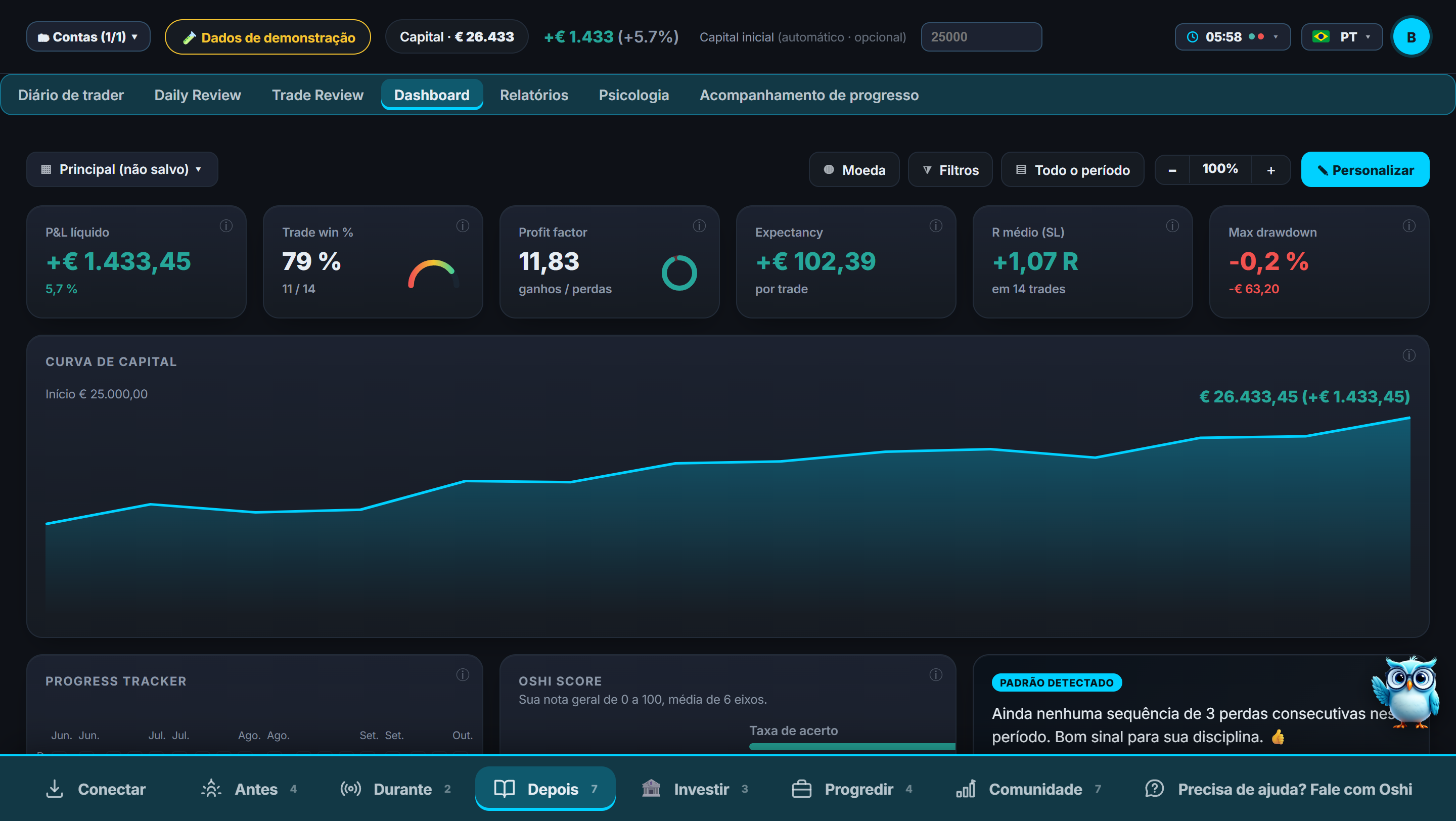
The app dashboard in Brazilian Portuguese.

Tradoshi now speaks Brazilian Portuguese

Tradoshi is now available in Brazilian Portuguese: the app, the automatic emails and the main pages of the website can all be used in this language.

Good news for Spanish speakers too

If you speak Spanish, Tradoshi's automatic emails now reach you in Spanish as well, so you can follow your activity in your own language.

Know a trader in Brazil or someone who prefers Portuguese? Now is a good time to tell them. And if you spot anything in the translation that could be improved, let us know on the forum.

Learn more: tradoshi.com/en/

Open the topic and reply →
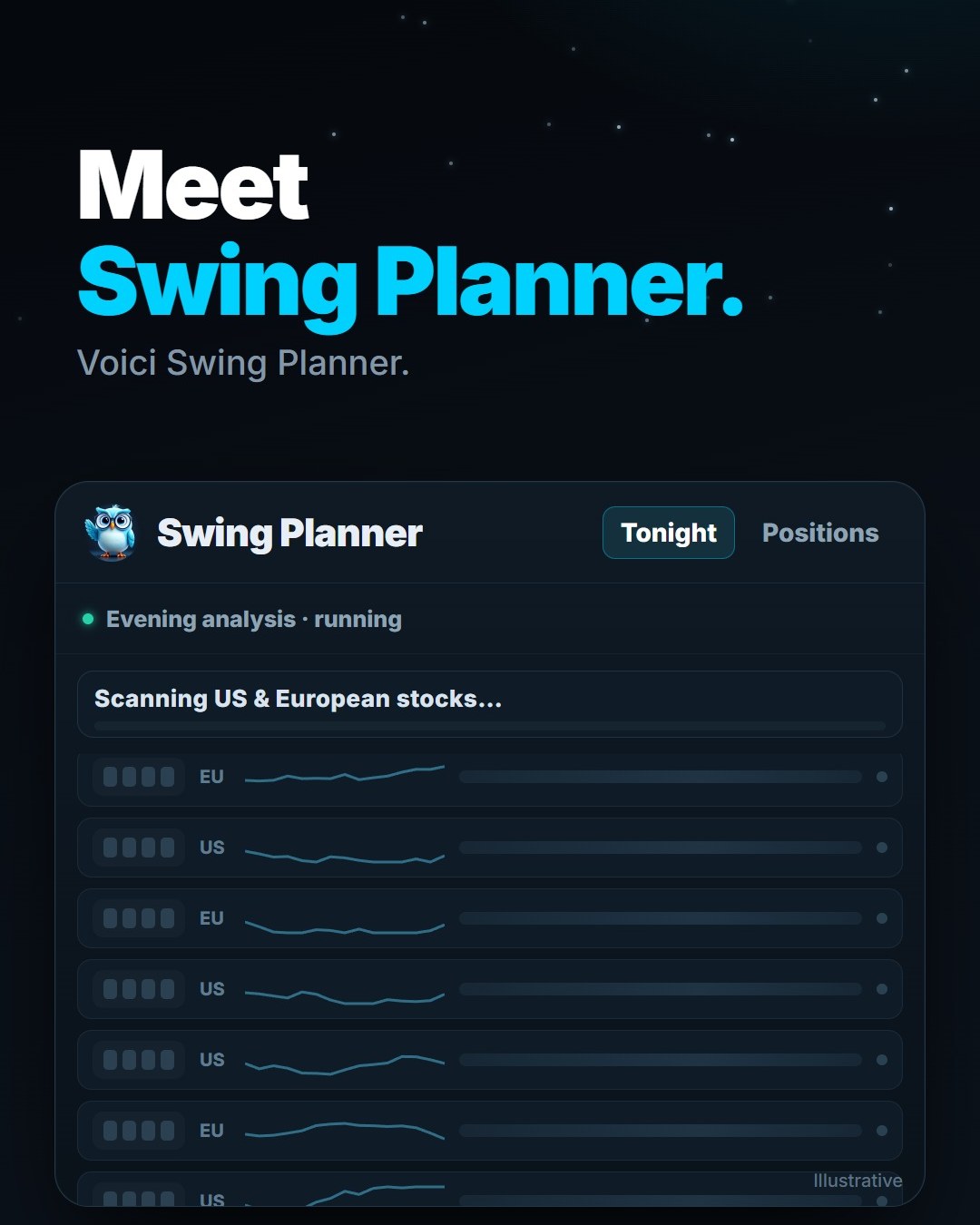
Illustrative preview of Swing Planner showing the evening scan of US and European stocks.

The Tradoshi Club is open

The Tradoshi Club is our private Telegram channel, and it's now open. It's the place where you'll see what's coming to Tradoshi before anywhere else.

What you'll find there

Swing Planner shows up in the Club first. After that, every Tradoshi launch lands there too, so you can follow new features as they arrive.

How to join

Joining is free. Just use the link below this post to get into the channel on Telegram.

Learn more: t.me/+6OIf65_TJII3OTNk

Open the topic and reply →
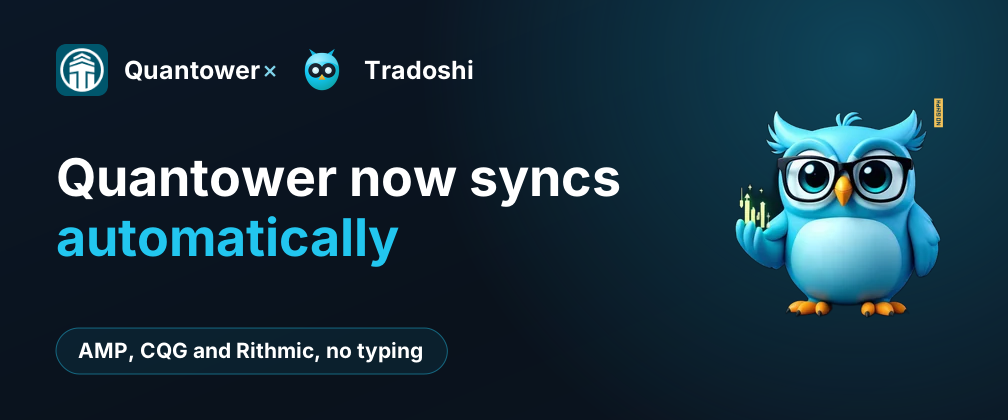
Quantower now syncs automatically. AMP, CQG and Rithmic, no typing.

Quantower now syncs automatically with Tradoshi

Do you trade on Quantower? Your executions can now land in your Tradoshi journal without you typing a thing.

How it works
A free collector is installed once in Quantower. From then on, it sends every execution to your journal, for all your connections: AMP, CQG and Rithmic. No more manual exports or imports.

The collector is read-only: it reads your executions and passes them to Tradoshi, nothing more.

To set it up, follow the step-by-step illustrated guide. A few minutes are enough, and your journal keeps itself up to date.

Learn more: tradoshi.com/en/help/connect-quantower

Open the topic and reply →
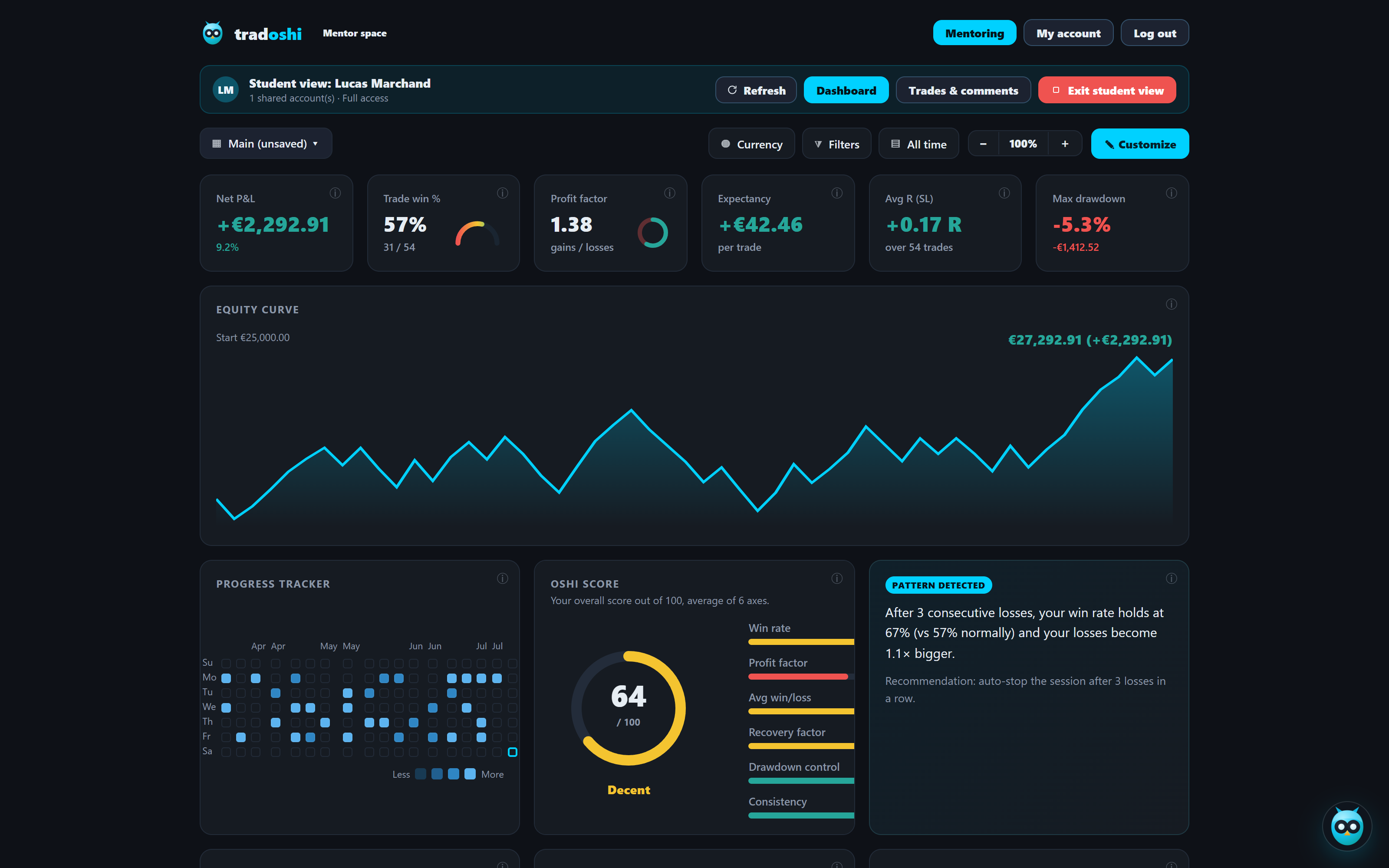
The coach follows a student's journal in Tradoshi.

Educators: your commission is now displayed, from 15 to 25% for life

Do you teach traders on Tradoshi? Your commission is now clearly displayed. It ranges from 15 to 25% and applies for life, on every payment, as long as your student stays subscribed.

How it works

You get 15% from your very first subscriber. The rate goes up to 20% once you reach 15 active subscribers, then to 25% from 51 active subscribers.

The mentor space stays free. You can support your students at no cost and keep track of your commission tier as you grow.

Learn more: tradoshi.com/en/for-trading-educators

Open the topic and reply →
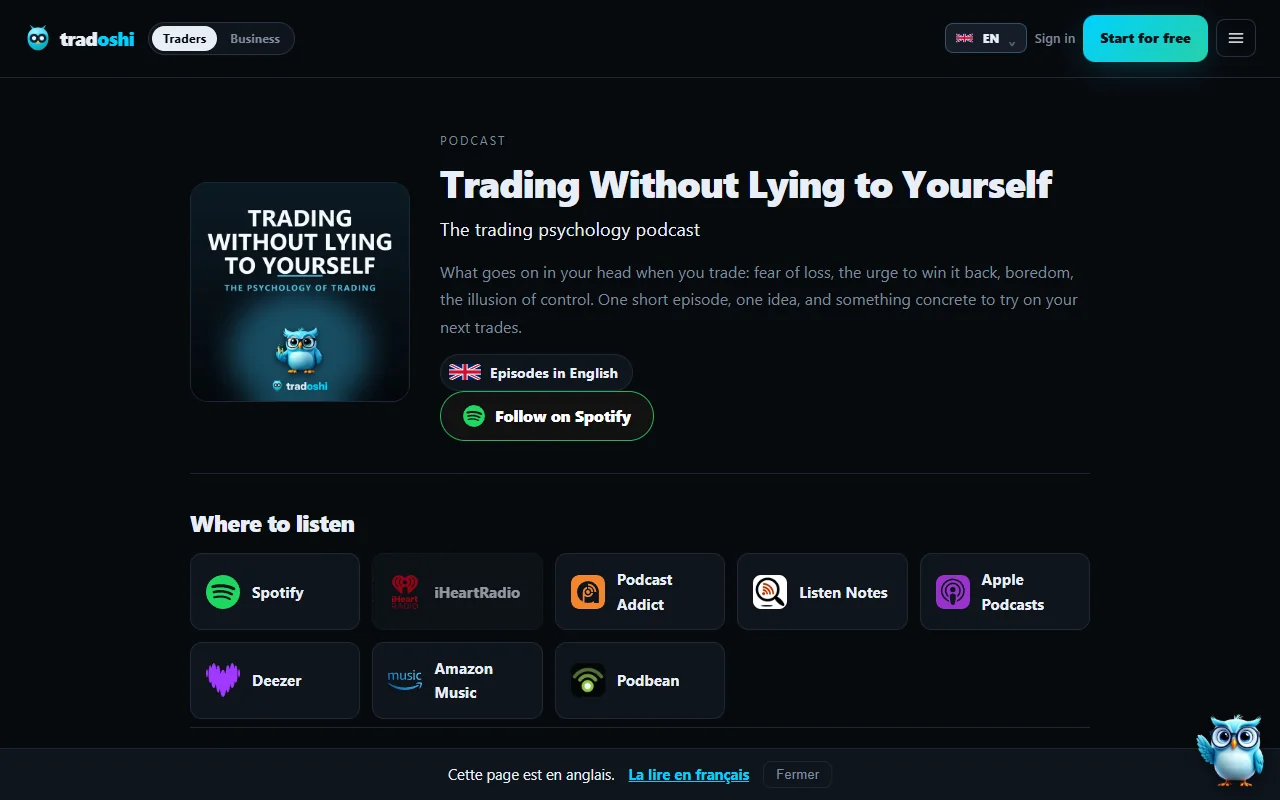
The podcast page on tradoshi.com, with the listening platforms.

Trader sans se mentir is now on the main podcast platforms

Good news for your commute and your breaks: the Trader sans se mentir podcast is now available on Spotify, Apple Podcasts, Deezer, Amazon Music, iHeartRadio and YouTube. You can still find it on Podcast Addict, Listen Notes and Podbean too.

How to listen

Open the app you already use, search for "Trader sans se mentir" and subscribe so the episodes sit right next to your other podcasts.

The English and Spanish versions are following the same path. If you share the podcast with traders who speak these languages, they'll be able to listen wherever they usually do.

Learn more: tradoshi.com/en/podcast

Open the topic and reply →
Tradoshi, the trading journal

Connect your accounts, measure what you actually do, and keep a record.

Discover Tradoshi
Also worth reading The blog · Pricing · The academy
Trading involves a risk of loss, up to the entire capital committed. Tradoshi is a journaling and analytics tool: we provide no financial advice and guarantee no result. Futures and forex trading contains substantial risk and is not for every investor: an investor could potentially lose all or more than the initial investment, and only risk capital should be used for trading. Hypothetical performance results have many inherent limitations: they are generally prepared with the benefit of hindsight, involve no financial risk, and no representation is being made that any account will or is likely to achieve similar results. Past performance is not necessarily indicative of future results. Full risk disclosure.