Automatically journal and analyse all your Fusion Markets trades: automatic sync through MetaTrader 4 & 5, then stats, discipline and an AI coach. Read-only.
Fusion Markets is an Australian broker known for one of the lowest commission schedules on major currency pairs. On its own website it lists forex, indices, metals, commodities, shares and cryptocurrencies. On the platform side, it serves accounts on MetaTrader 5, MetaTrader 4, cTrader, TradingView and WebTrader. The brand is operated by the entity Gleneagle Securities Pty Limited. Its MetaTrader servers appear in the official MetaQuotes directory under the entities FusionMarkets and FusionMarketsAU, so Tradoshi offers them directly when you connect.
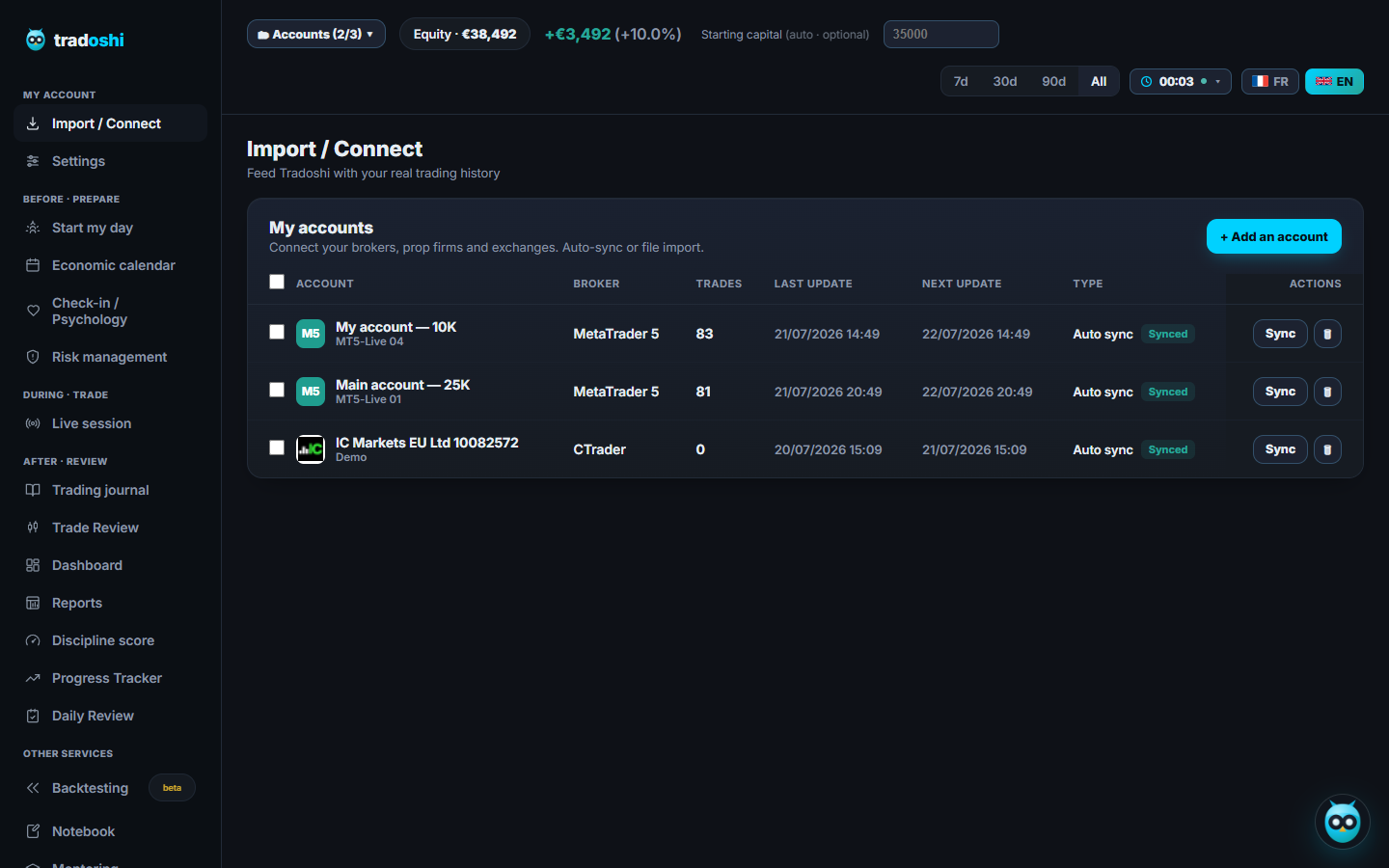
Fusion Markets runs on MetaTrader 4/5. Tradoshi reads your history with your investor (read-only) password and keeps it up to date on its own.
In MetaTrader: Tools → Options → Server, create an Investor (read-only) password. Some Fusion Markets brokers email it to you when you open the account.
Go to Import / Connect → + Add an account → MetaTrader → Auto-sync, enter your account number, your Fusion Markets server and your investor password.
Click Sync: your history, orders (stop loss included), currency and balance come in, then the sync runs on its own every day.
In MetaTrader, History tab → right-click → Report → HTML, then drop the file into Tradoshi (fees included).
Can Tradoshi trade on my Fusion Markets account?
No. Tradoshi connects with your investor password, which is read-only by design: it cannot open or close a position.
Is my Fusion Markets data safe?
Yes. Your investor password is encrypted, never leaves our database, and your trading password is never requested.